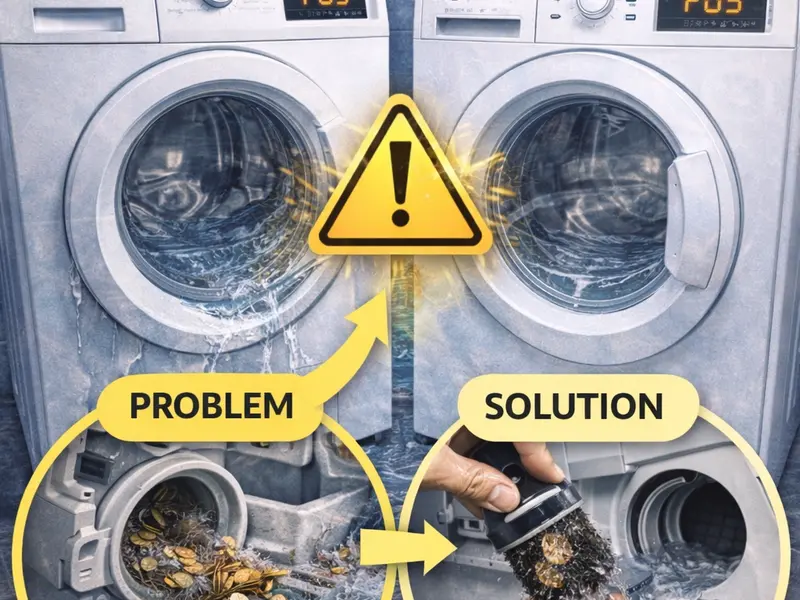
What does error F05 mean in Hotpoint-Ariston washing machines
Modern washing machines are equipped with modern technologies that, despite their functionality, may not work properly after prolonged use. The devices display a certain type of error. Each of them refers to a corresponding problem with the washing machine.
The same is true of error F05, which appears in machines bearing the Hotpoint-Ariston brand. The code does not appear immediately after switching on, but over time. The error signals a problem with switching the washing machine's operating programs, such as rinsing or spinning. When the code appears, the machine stops, but what's worse is that water remains in it.
Modern washing machines are equipped with electronics. Individual components of the machine are responsible for the proper functioning of all elements of the appliance. Some of them monitor the filling of the drum with water, and others can signal errors in the power supply. The control module reads the readings of individual sensors located in the machine.
The pressure switch is one of the most important sensor elements in the washing machine. It measures the amount of water that enters the tank. The switch signals when the liquid from the washing machine needs to be emptied. But even if the machine is not filled with water properly, the sensor displays code F05.
There may be several reasons for the error. Here they are:
Reason for the appearance of code F05 in Hotpoint-Ariston washing machines
Clogged drainage system or filter
Software crash
One of them is the clogging of filters or the drainage system. When the washing machine fails to pump out enough dirty water, a problem occurs in the operation of the machine. The drain filter protects the appliance from debris and elements that can affect the spin cycle. Coins, baby clothes, handkerchiefs, etc., lead to problems with the drainage of water from the drainage system.
But even you can check for objects in the drum that are clogging the drainage system. After each operating cycle, carefully inspect the inside of the appliance for remaining coins or buttons.
Quite often, it is precisely after the accumulation of small particles in the appliance filter that the F05 error occurs in Hotpoint-Ariston washing machines. To do the filter maintenance yourself, you need to unscrew the filter knob and before that open its cover at the bottom of the washing machine. The filter is turned counterclockwise and pulled out.
Before starting the maintenance and cleaning of the filter, it is NOT advisable to tilt the washing machine so as not to damage the electronics. And it is good to prepare a cloth. The drain pipe is checked for blockages.
Carefully inspect the filter and clean it with water. You can also check the machine's pump.
After the drainage system is cleaned, start a test program on the washing machine. In case the F05 error appears again, then the cause may be a fault in the level regulator. If it is faulty, contact a professional technician.
Another frequently mentioned reason is a breakdown in the electronics (bug). Such a problem requires a master to rewrite the device's software with software for your device. . The technician can fix the fault. A very subtle moment is when you clean the filter, the device worked until a while ago, there is actually something in the filter, you remove it, you start the device and it keeps the drain pump running. Here the solution we will give you is a subtlety that you will not hear from almost anyone. WHEN YOU START THE DEVICE AFTER CLEANING THE FILTER AND IT KEEPS THE PUMP RUNNING LONGER THAN NECESSARY, PREPARE A BUCKET OR BASIN WITH WATER. OPEN THE DRAWER WHERE THE DETERGENT IS PLACED. START POURING A LITTLE, NOT ALL OF A SUDDENLY, SO THAT WATER AND AIR CAN ENTER WITH IT. THE WASHING MACHINE HOLDS THE PUMP AND DOES NOT FILL WITH WATER BECAUSE THERE IS AN AIR BAG AT THE BOTTOM THAT TELLS THE MACHINE THAT IT IS FULL. BY POURING THE WATER, YOU EXPELL THE AIR BAG AND THE MACHINE SHUTS OFF THE PUMP WHILE IT IS IN A STATE THAT IT WILL ROTATE AFTER 2.3 MINUTES. LET IT CONTINUE AND AFTER ABOUT 5 MINUTES, PUT IT ON THE CENTER. TURN OFF / ON AND START WASHING.